Service Layer (CT AppEngine) installation
This document provides a step-by-step guide on how to install the CompuTec Service Layer client.
Prerequisities
- configure your firewall to make the 8080 port available
- .Net Framework 4.7 is required
Installation
-
To install the Computec Service Layer client download and run its installation file – you can find it here.
-
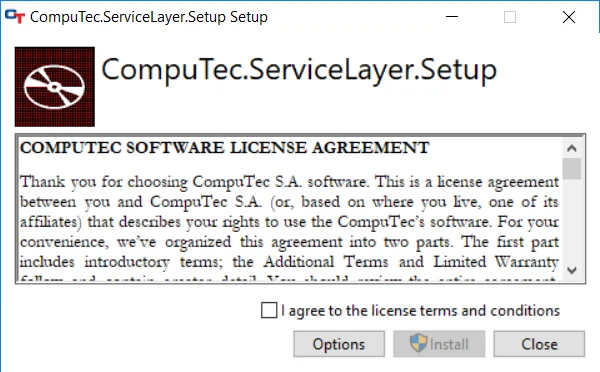
Check the checkbox after reading the message about installation preparation:
-
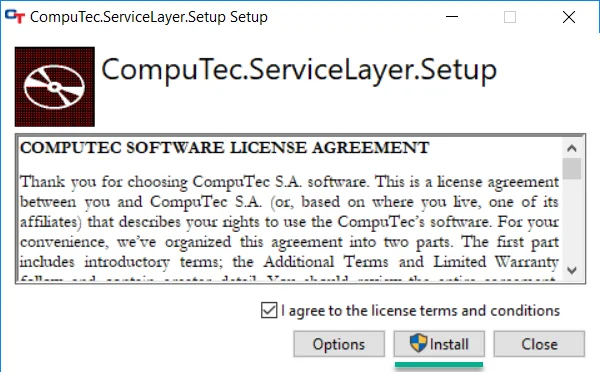
Click the Install button to start the installation. A default installation path is "C:\Program Files\CompuTec\CompuTec Service Layer".
-
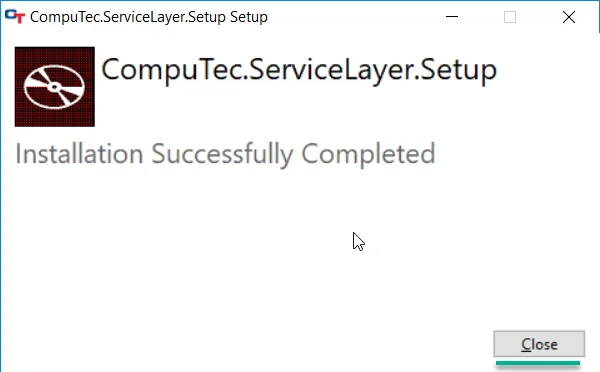
Click the Close button after reading the message to finish installation:
-
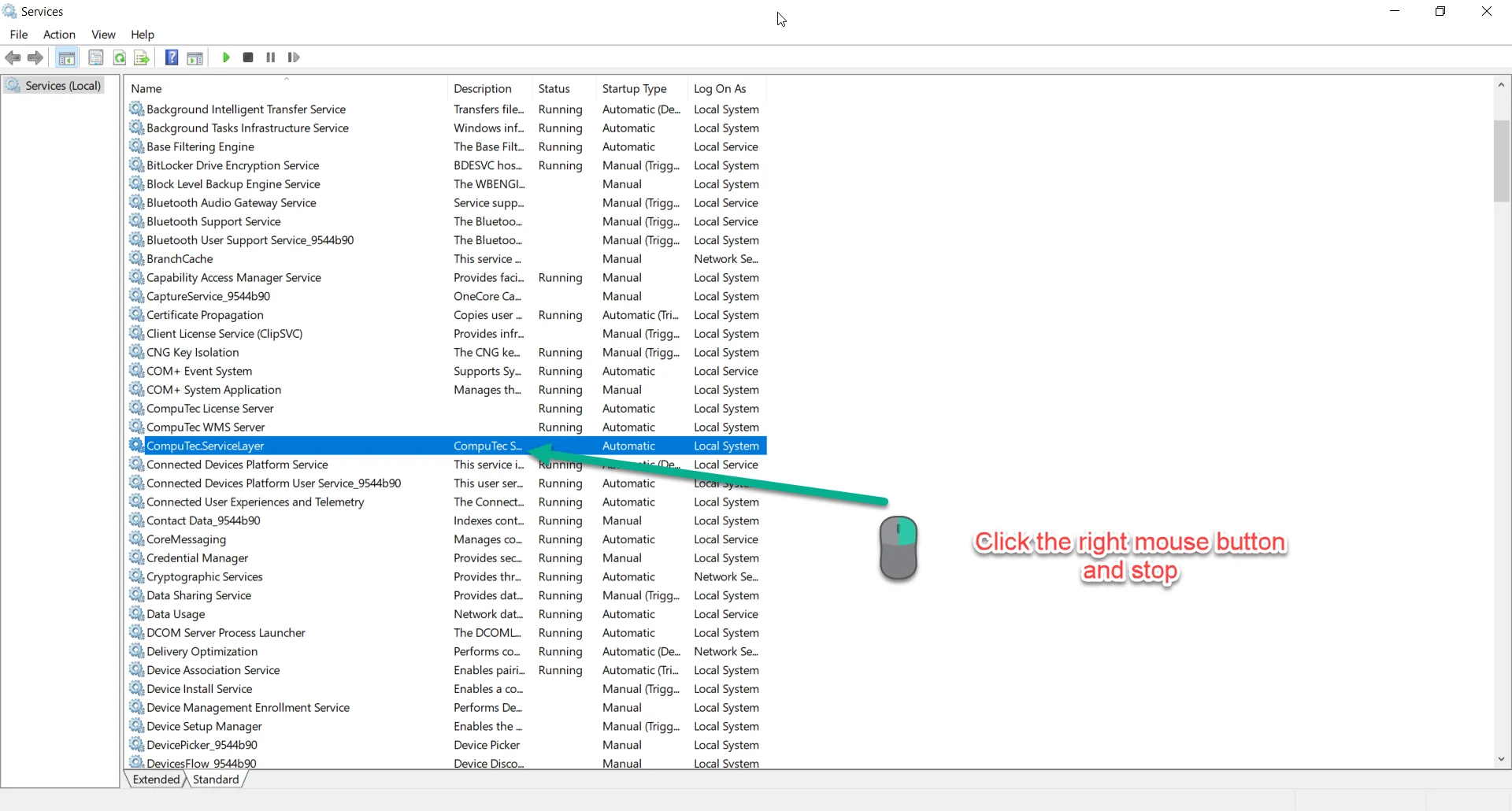
When the installation is complete, go to the system services and find CompuTec.ServiceLayer service. If it is enabled then turn it off.
-
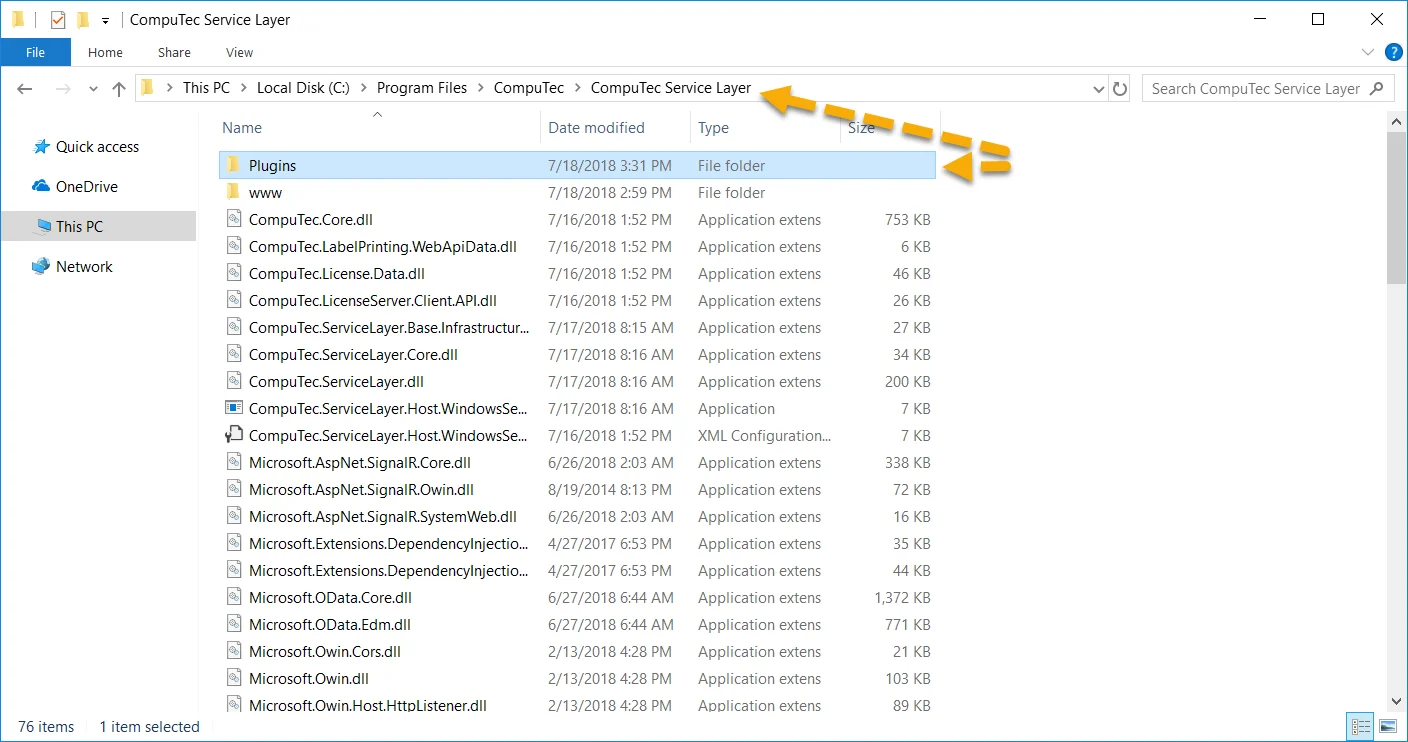
Go to the CompuTec Service Layer installation folder and paste the Plugins directory that you can find here:
-
Turn CompuTec.ServiceLayer service on.
-
Service is ready to run. You can start it by clicking the shortcut created in the Windows program list.
-
Next, go to the CompuTec Gateway Service Installation section.