CompuTec Gateway Service Installation
This document provides a step-by-step guide on how to install the CompuTec Gateway service.
Prerequisites
- configure your firewall to make the 8080 port available
- .Net Framework 4.7.1 is required
Installation
-
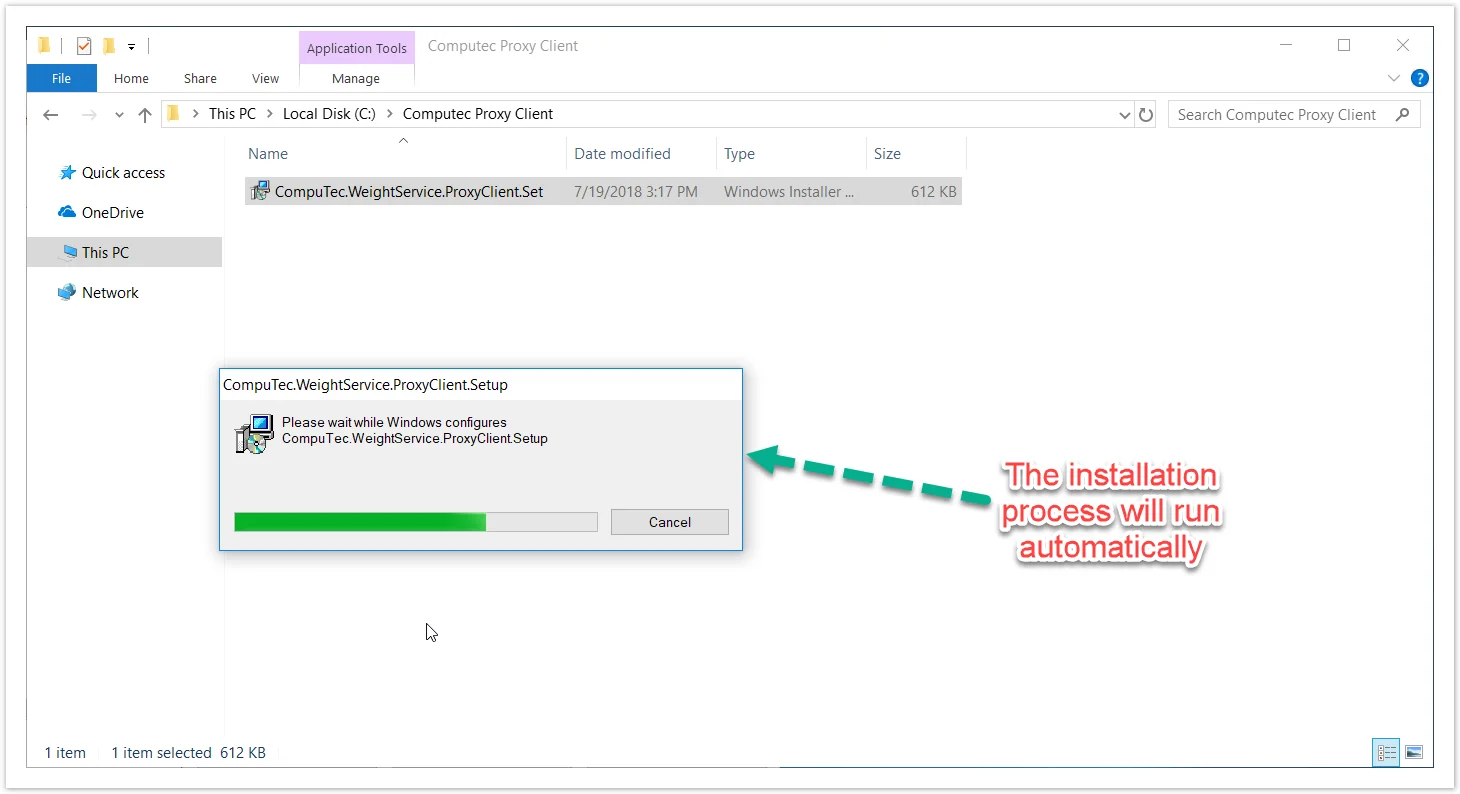
To install CompuTec Gateway Service, download and run its installation file. You can find it: 1.2.0.14 version: Download.
-
Once the installation is complete, the Gateway Service service will start automatically.
-
The CompuTec Gateway Service is successfully started and connected to the Service Layer.

-
Now you can go to the Weight Configuration Manager.