Mettler Toledo
Introduction
To correctly configure a weight scale, it is required to create a Template and assign it to the weight scale. Next, you must choose a work mode for the scales and assign the Template to the scale work mode.
note
This section was created based on the MettlerToledoICS429 model configuration.
Defining a Template
-
Go to the Communication option in the main menu.
-
Choose the Define Template option.
-
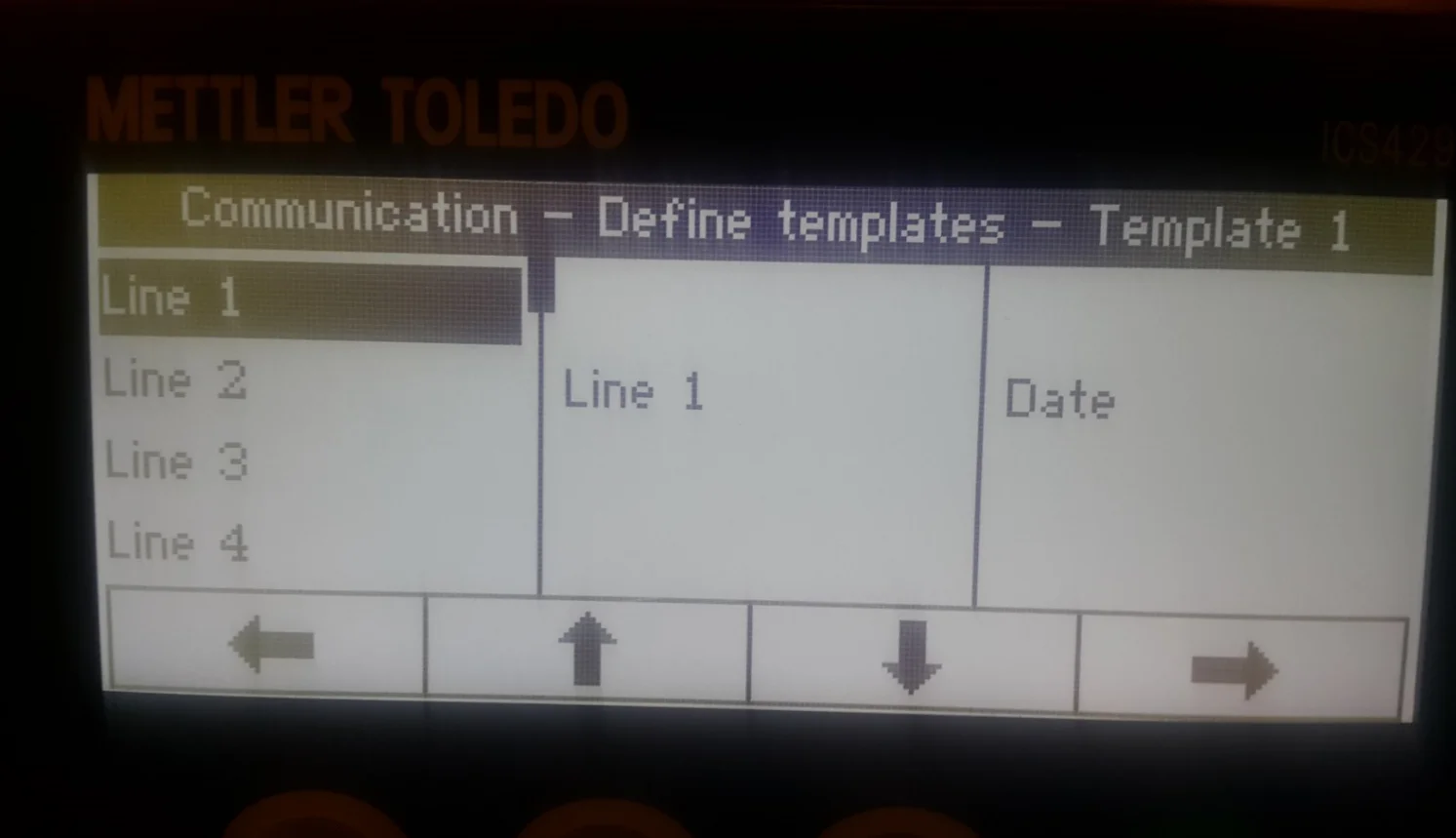
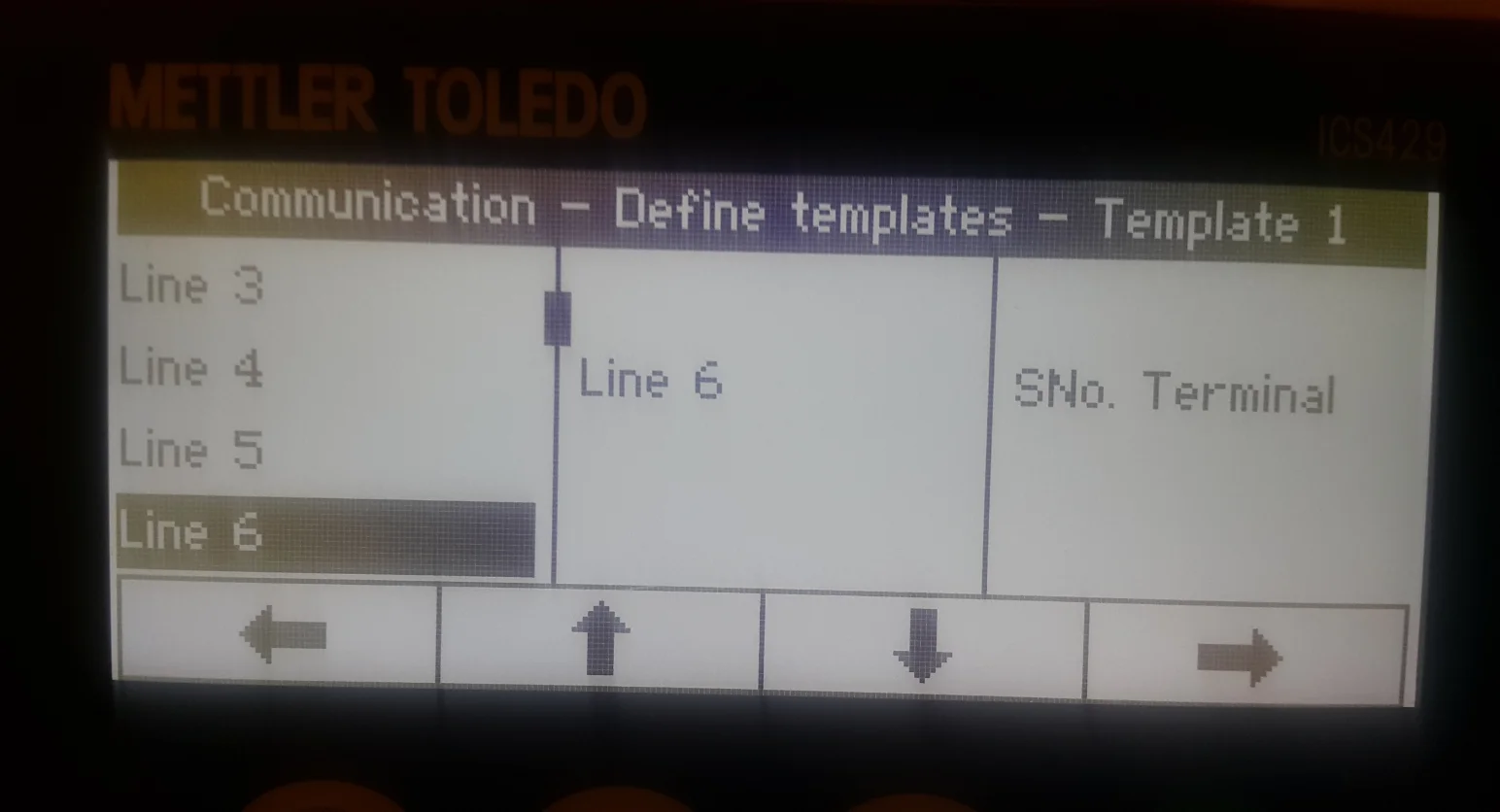
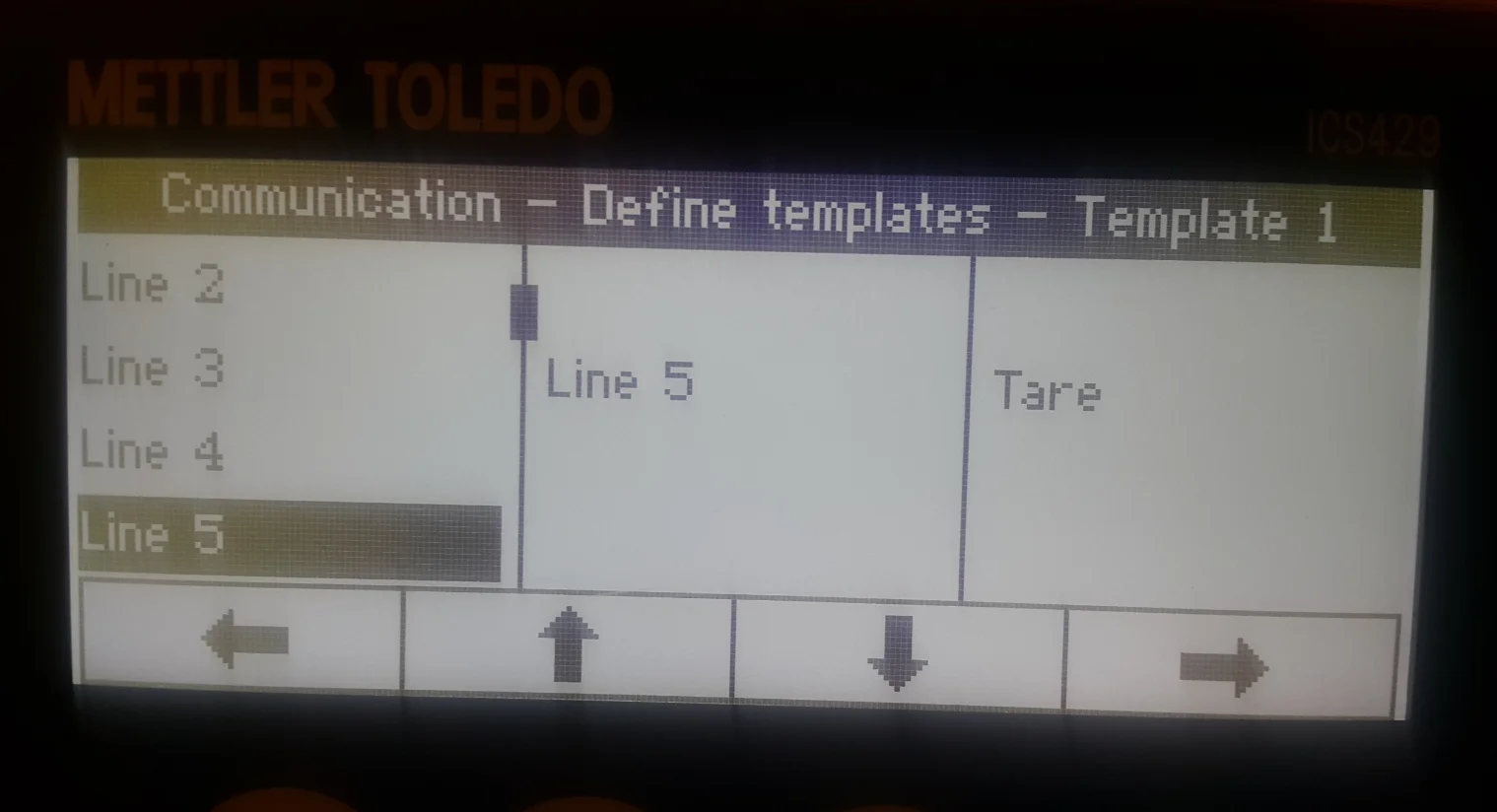
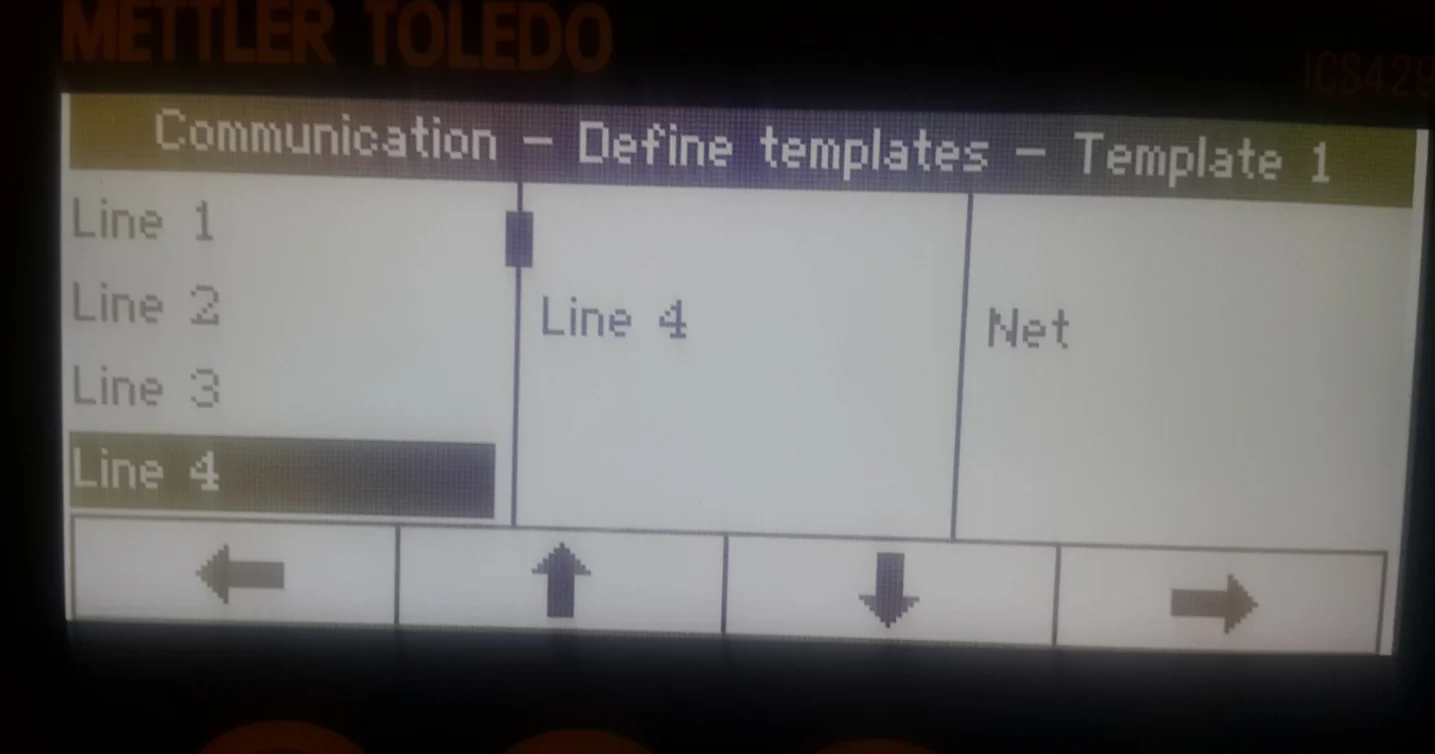
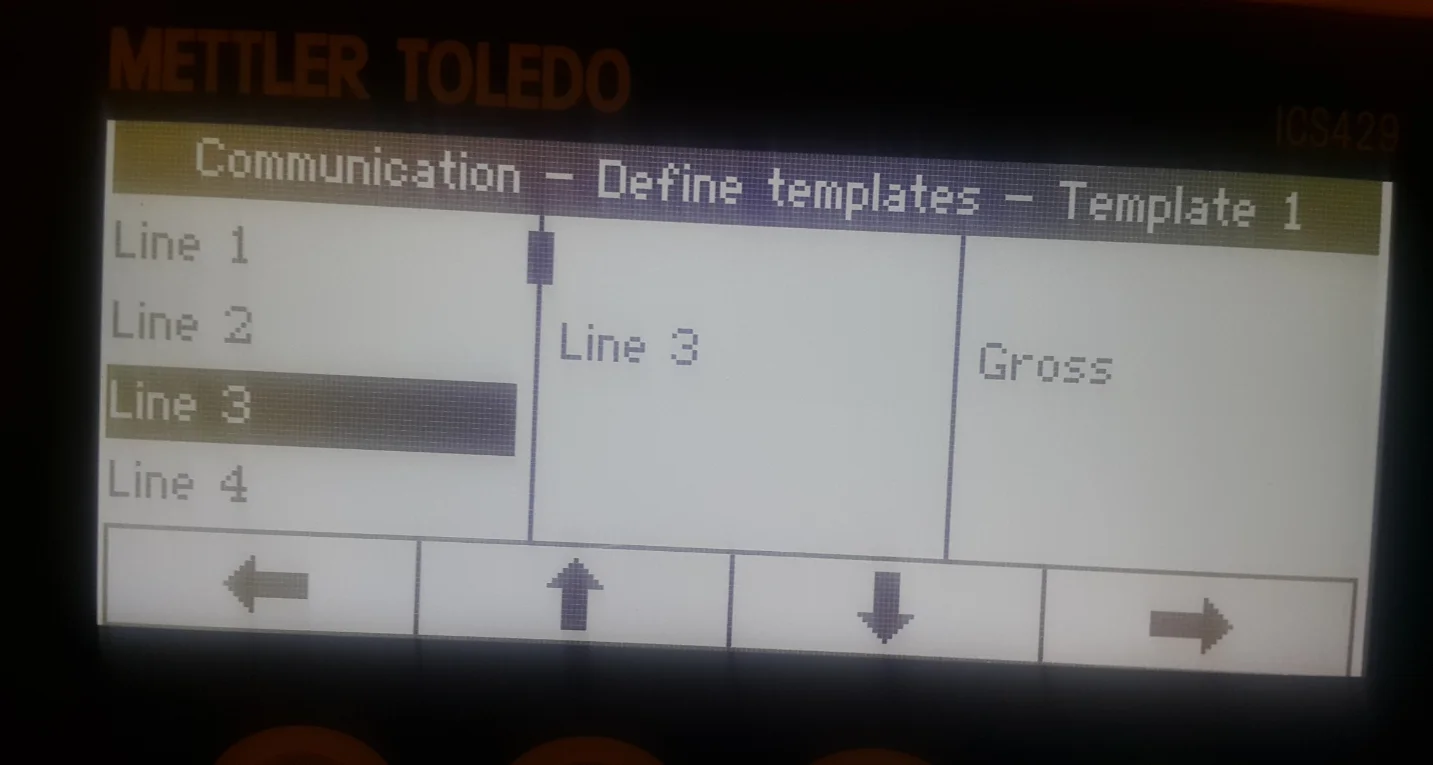
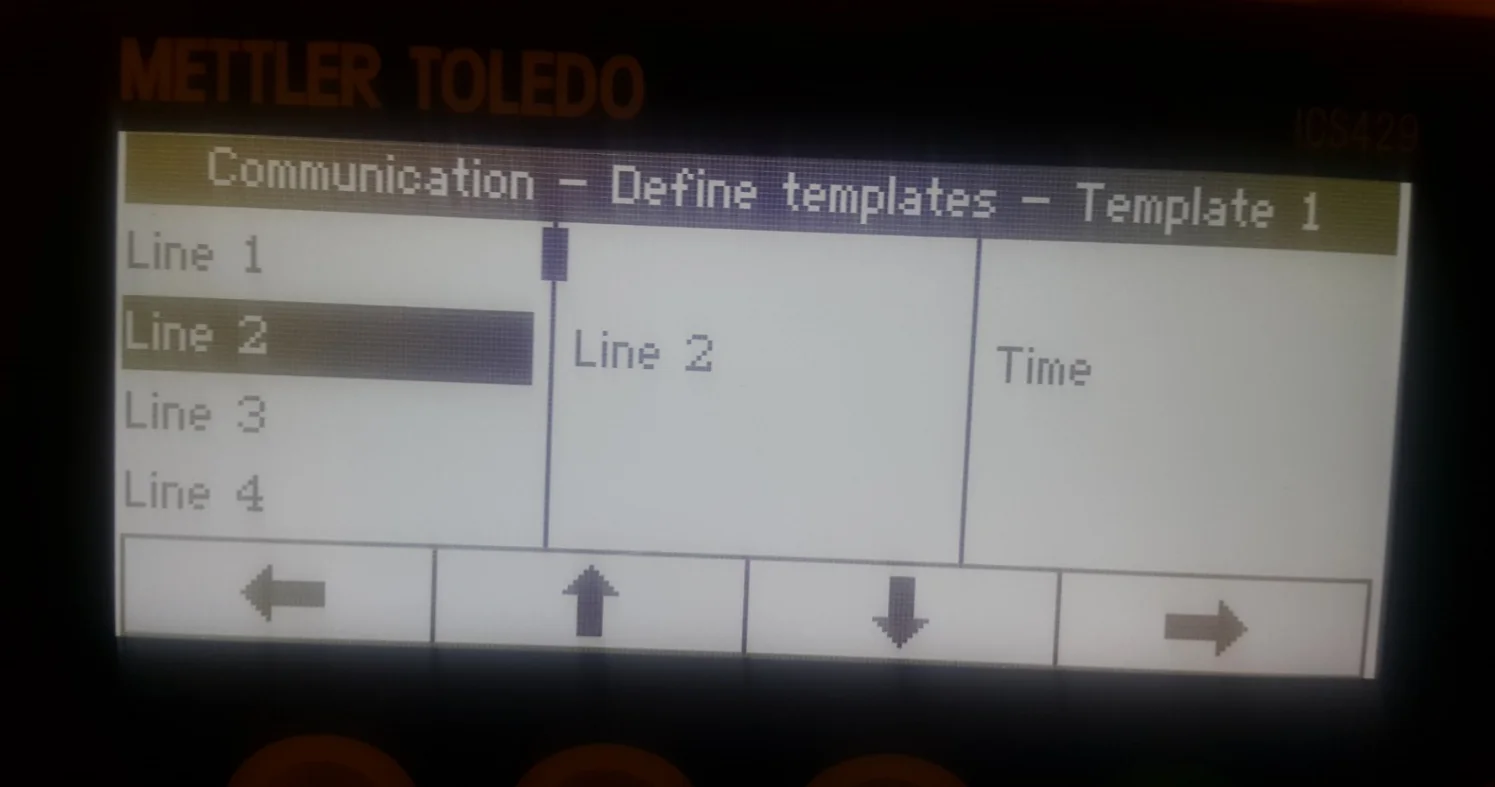
Choose Template 1 and set up what will be pointed/sent by the weight scale. Set up the following details:
Line 1: Date
Line 2: Time
Line 3: Gross
Line 4: Net
Line 5: Tare
Line 6: SNo. Terminal.
Choosing Mode for Weight Scales
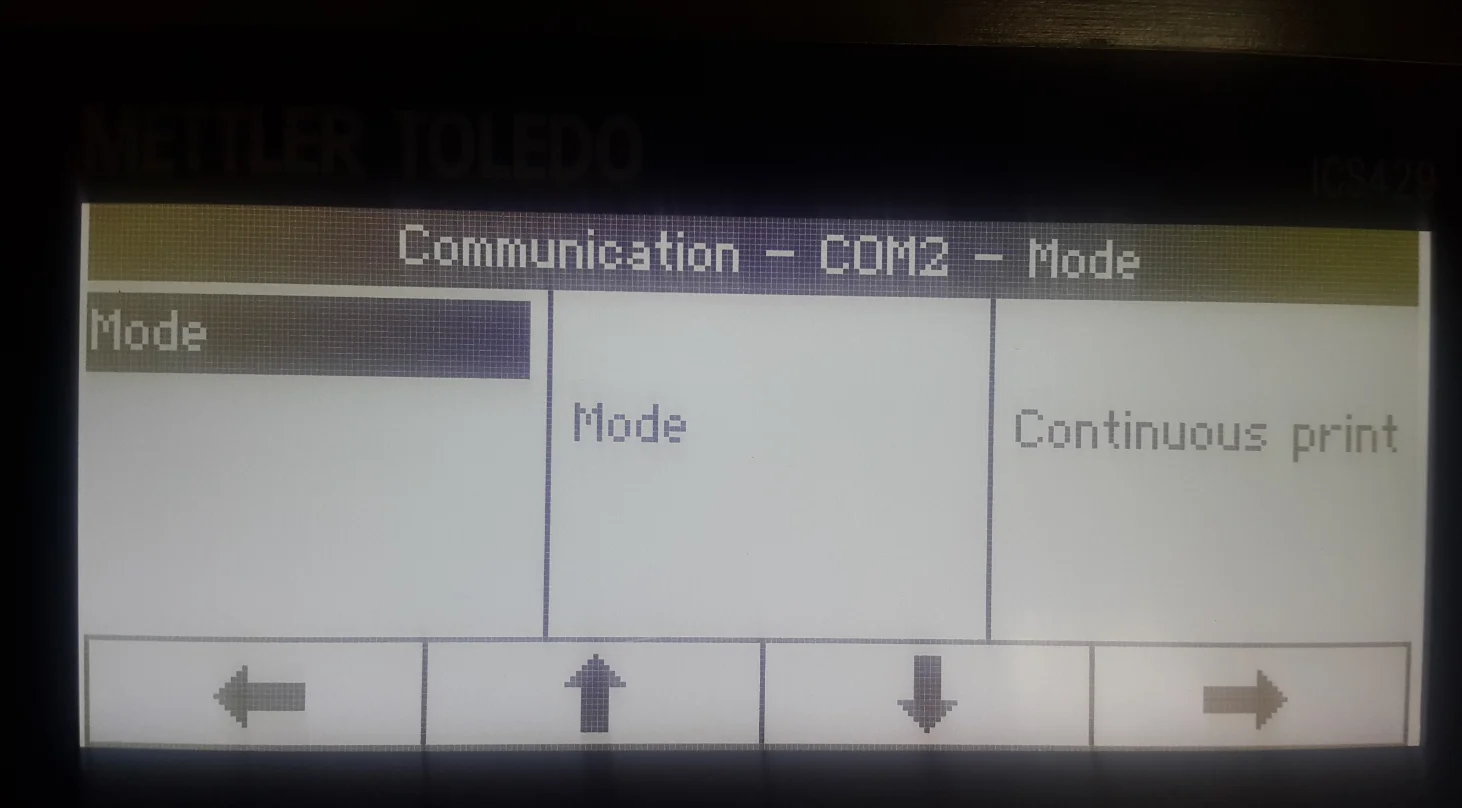
- Go to the Communication option in the main menu
- choose COM2
- choose Mode
- choose Continuous print.
Assigning the defined Template to the weight scales
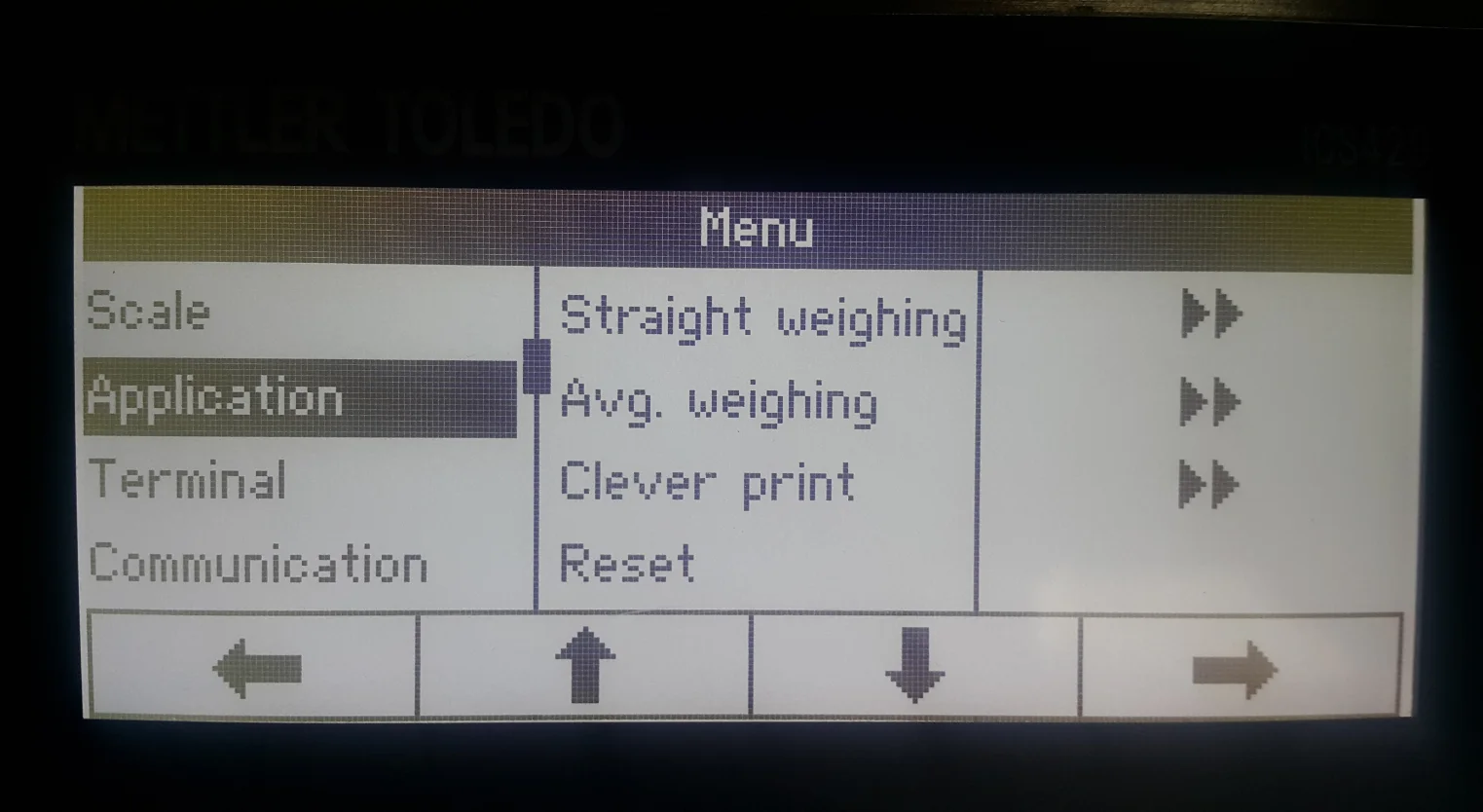
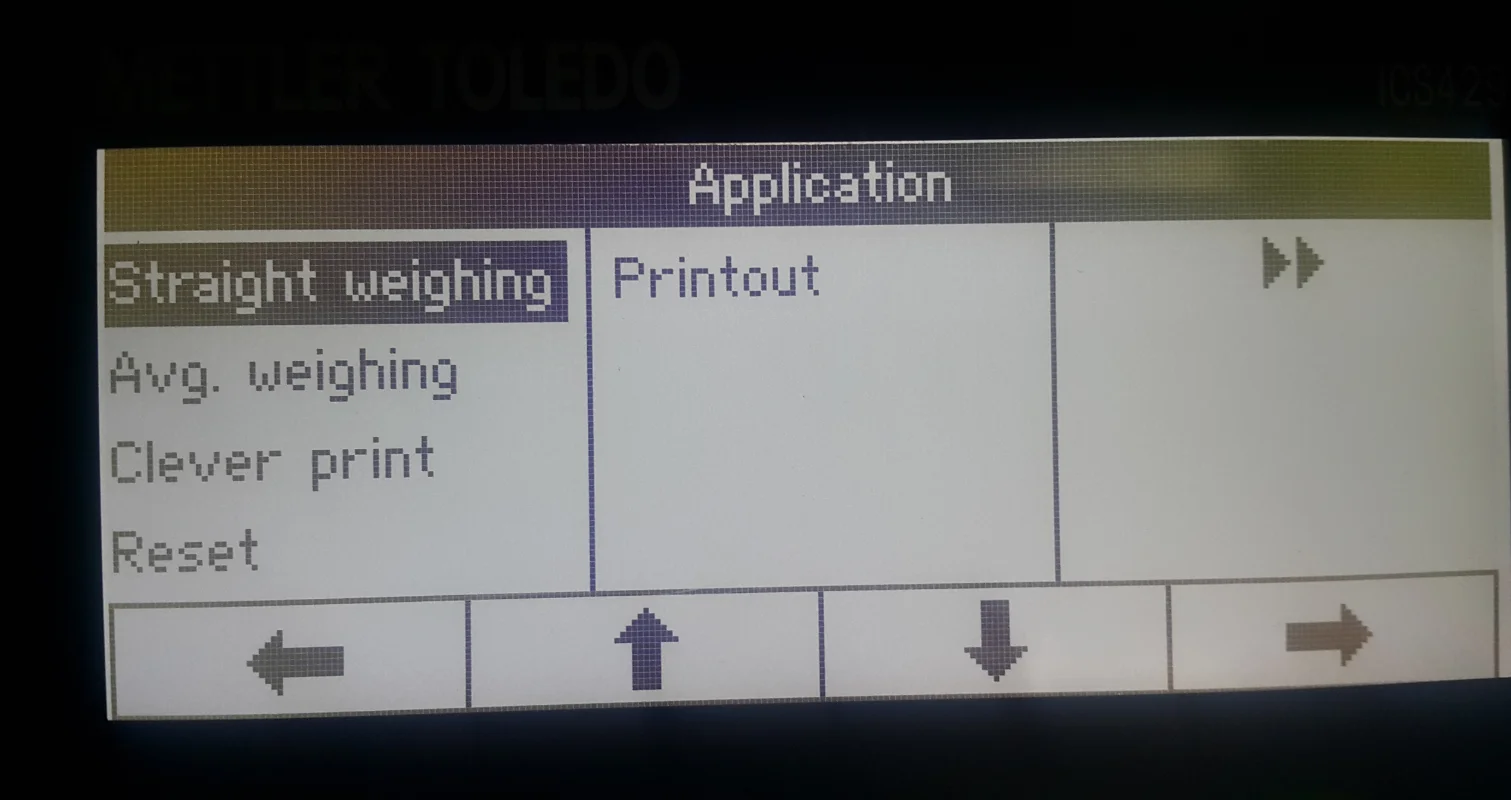
- Choose the Application option from the menu
- choose Straight weighing option
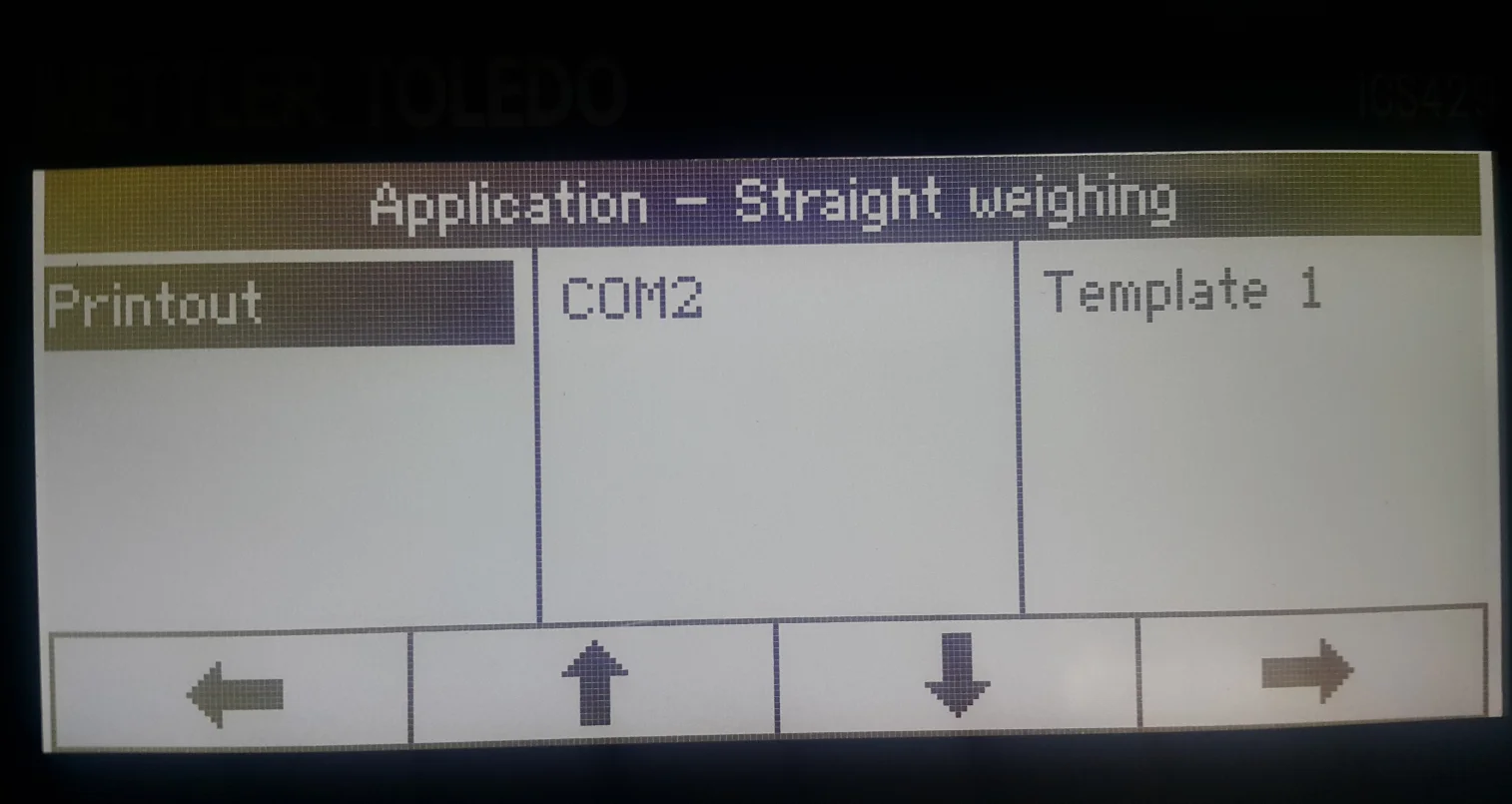
- choose Printout
- choose COM2
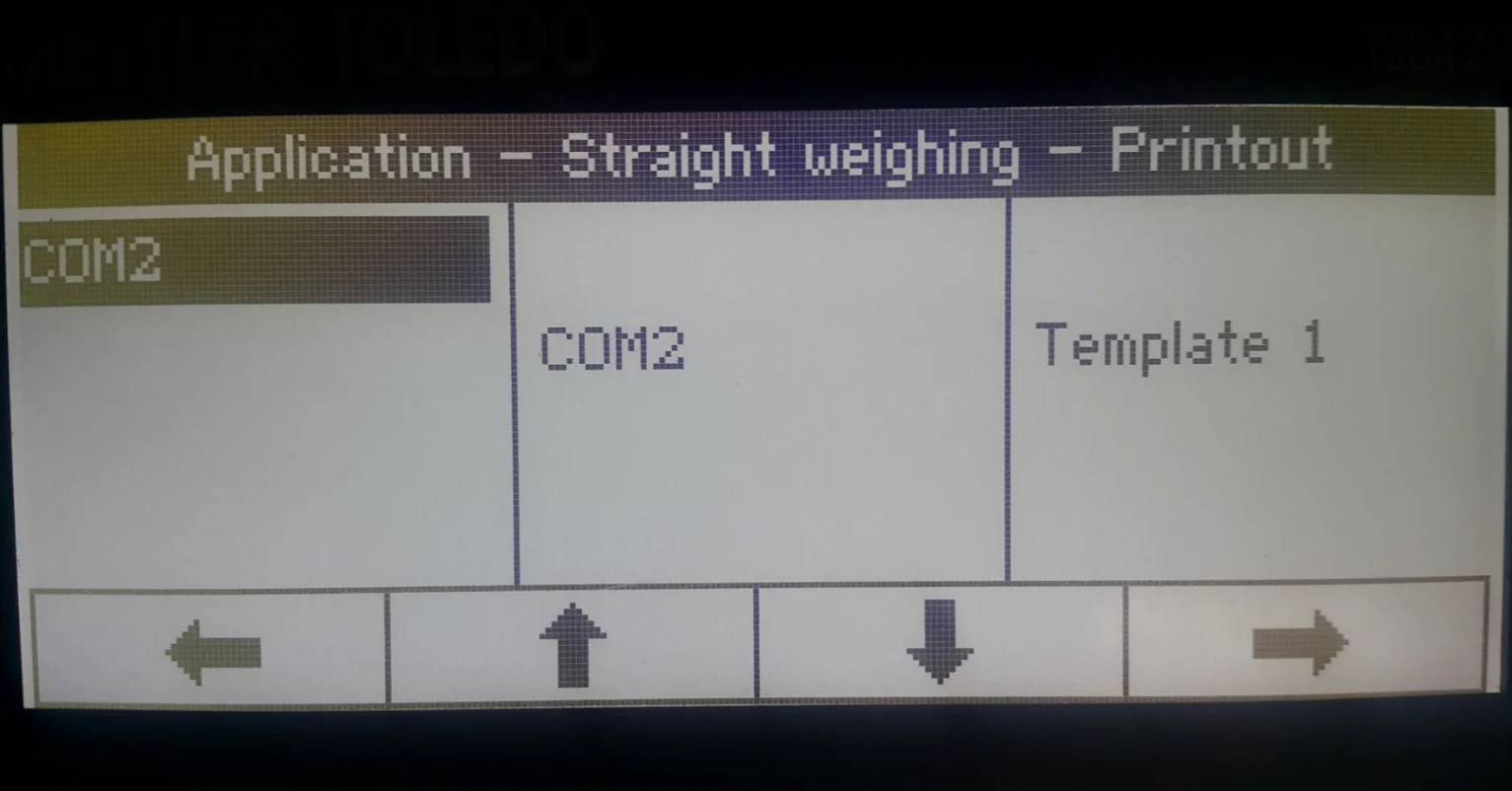
- choose COM2 again
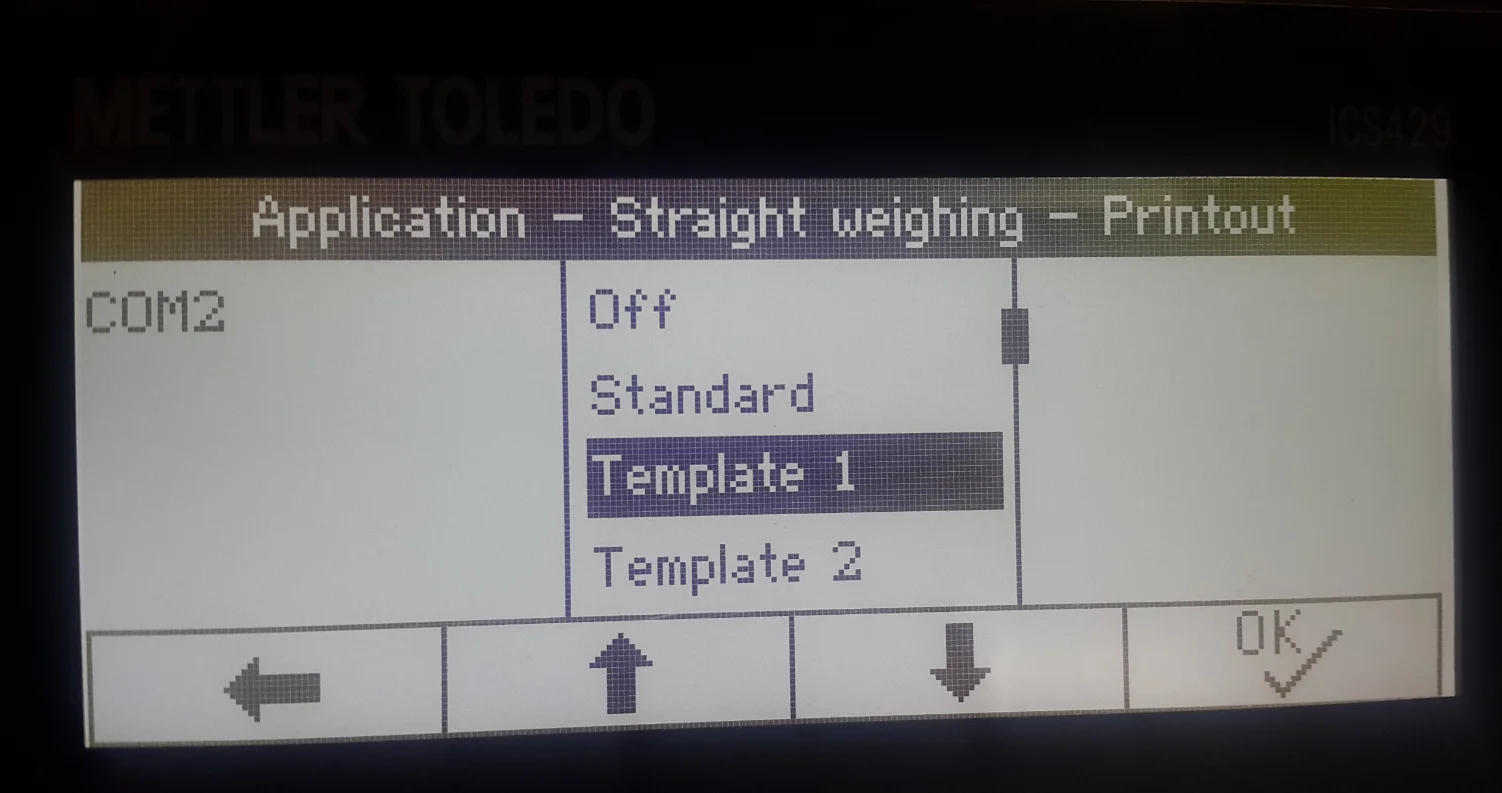
- choose the Template name of the Template that was defined in the first step ('Template 1' in this example)
- click OK to save the changes.
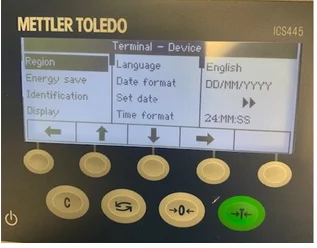
Set date and time format
Now, the weight scale is correctly configured and ready to work with CompuTec Gateway and CompuTec PDC.