Resources View
The purpose of this function is to filter tasks by multiple Resources.
Requirements
The option requires the use of AppEngine's MO360 plugin. Click here for more information about AppEngine and AppEngine plugin installation.
Minimal related versions:
- ProcessForce: 9.30 PL14 R10 or 10.0 RL14,
- AppEngine: 2.10.3.1, 2.93.3.1 or 2.10.5.1, 2.93.5.1,
- MO360 - latest.
Usage
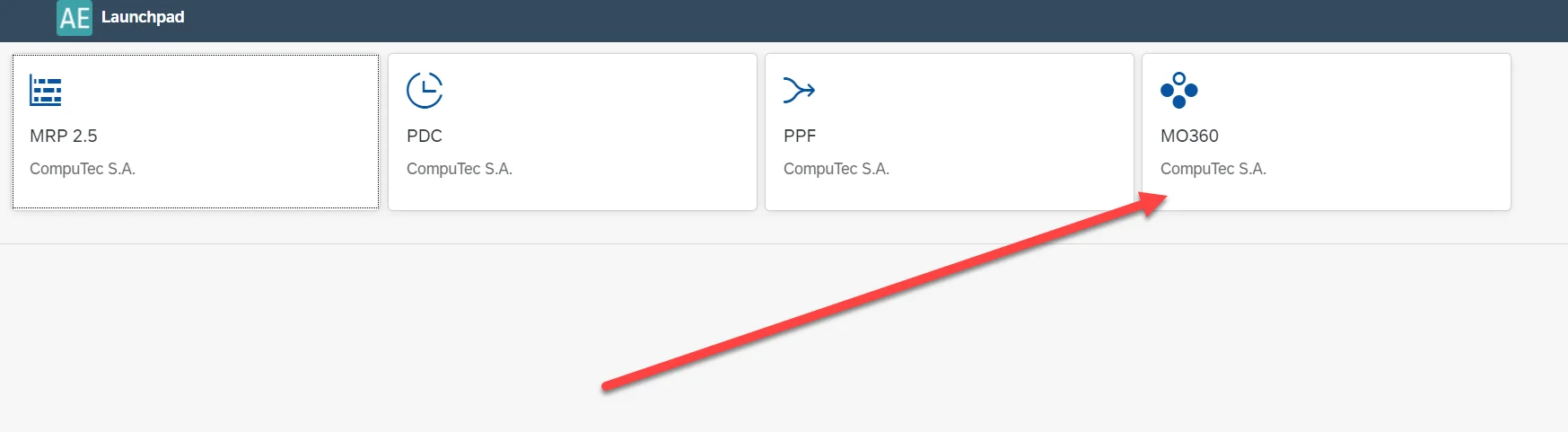
Go to AppEngine, MO360 to define a view with multiple Resources:
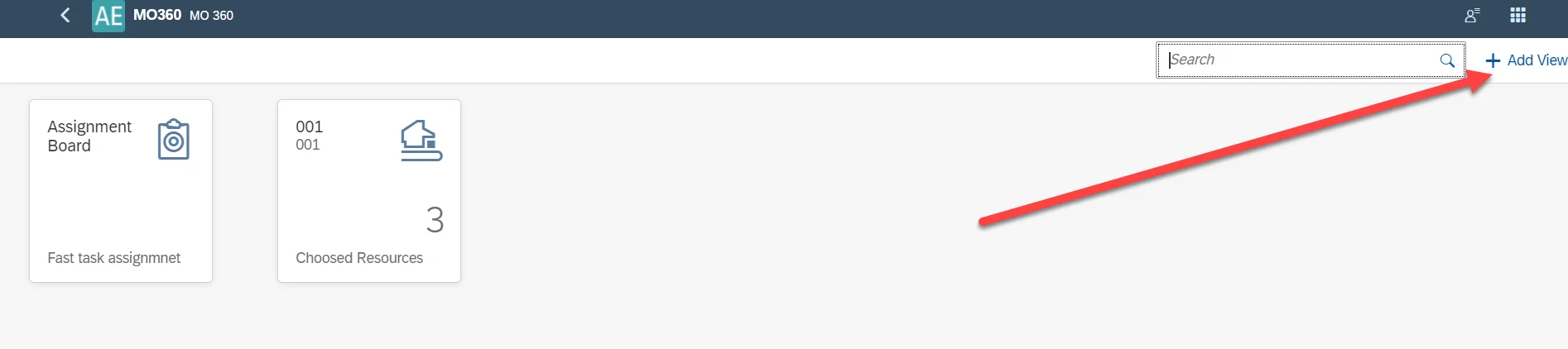
Click Add View:
Define the view details:

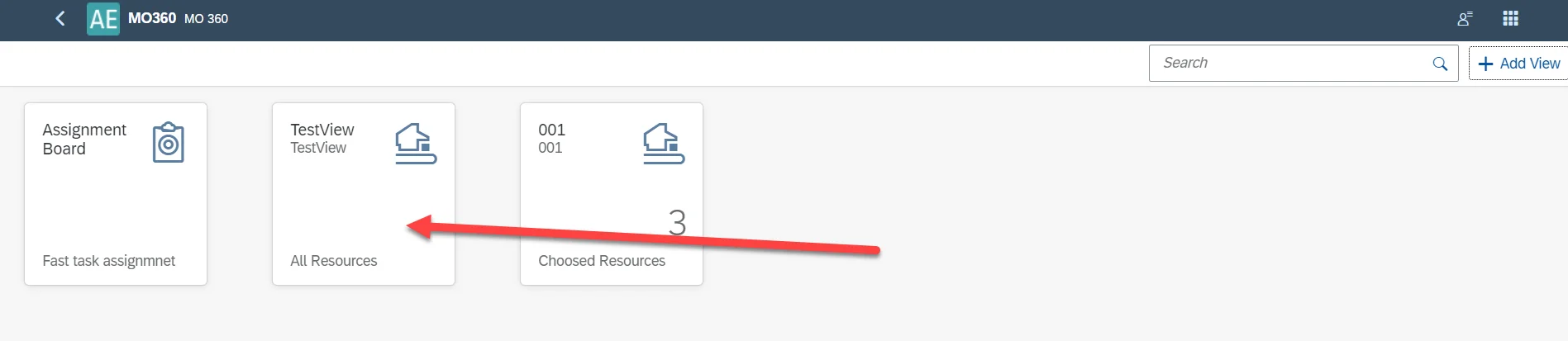
Now the view is available in the main MO360 view:
Open the view and choose the All option for the Resources:
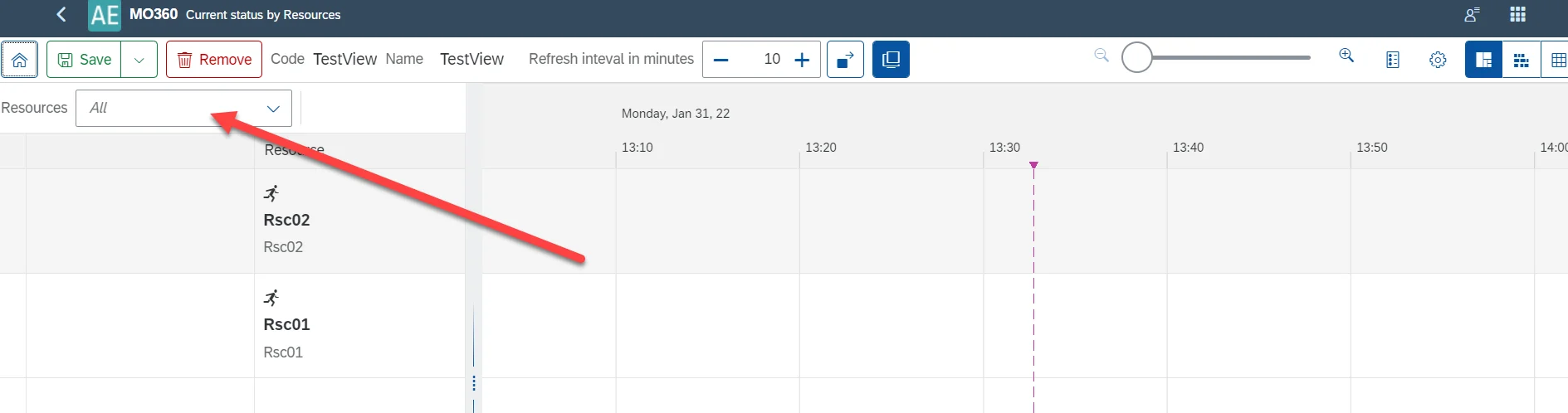
After defining this view, you can assign it in PDC Settings. In this example, in CompuTec PDC, you can see only tasks for the following Resources: Rsc01, Rsc02, and Rsc03.